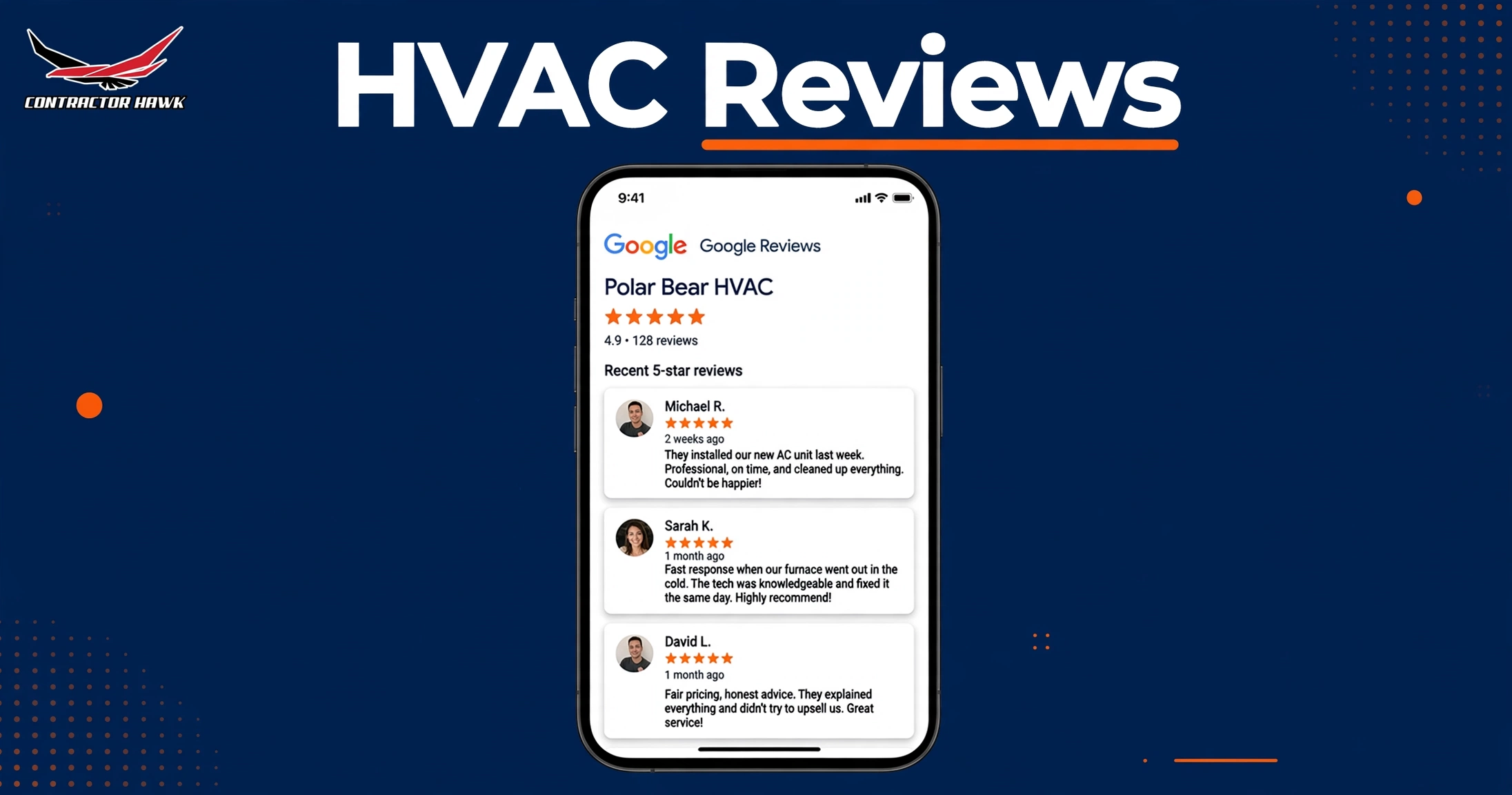
Want to know how to get hvac reviews that actually show up and stick? The playbook is simple. Ask every customer, right after the job, with a link that takes less than a minute to use.
This post gives you the exact timing, the exact words, and a copy ready text message your techs can use this week. Do it well and you earn more calls from Google Maps. Reviews are one of the clearest trust signals Google shows to local searchers, and they sit right next to your name.
Quick answer: what do I do, and is it worth my money?
- What to do: Ask every customer for a review at the end of the job. Text them your Google review link the same day. Reply to each review within two days.
- Is it worth it: Yes. It costs nothing but time. More reviews and higher ratings move you up in Google Maps and win the clicks that become calls.
Table of contents
- Why Google reviews move you up in Google Maps
- How to get HVAC reviews: the 7 step playbook
- What to say: words your techs can copy
- How to handle bad reviews
- What Google allows and what can hurt you
- Mistakes HVAC companies make with reviews
- Frequently asked questions
Why Google reviews move you up in Google Maps
When two HVAC companies sit side by side in Google Maps, most people tap the one with more reviews and the higher rating. That choice happens in seconds, before anyone reads your website.
Google says reviews help a business stand out, and they show next to your profile in Maps and Search. You can read Google’s official tips for getting more reviews to see exactly what Google recommends.
Reviews also feed your local SEO. A steady stream of fresh reviews tells Google your business is active and trusted. A profile that went quiet two years ago looks dead next to one with new reviews this week.
None of this fixes a sloppy profile. Claim and polish your Google Business Profile first, then let reviews multiply the work.
How to get HVAC reviews: the 7 step playbook
This is the whole system. Run it for one month and compare your review count before and after.
- Ask every customer, not just the easy ones. Google expects you to ask everyone the same way. Cherry picking only happy customers breaks the rules.
- Ask in person before the tech leaves. A face to face ask beats an email three days later. Teach techs one short line and make it part of the job.
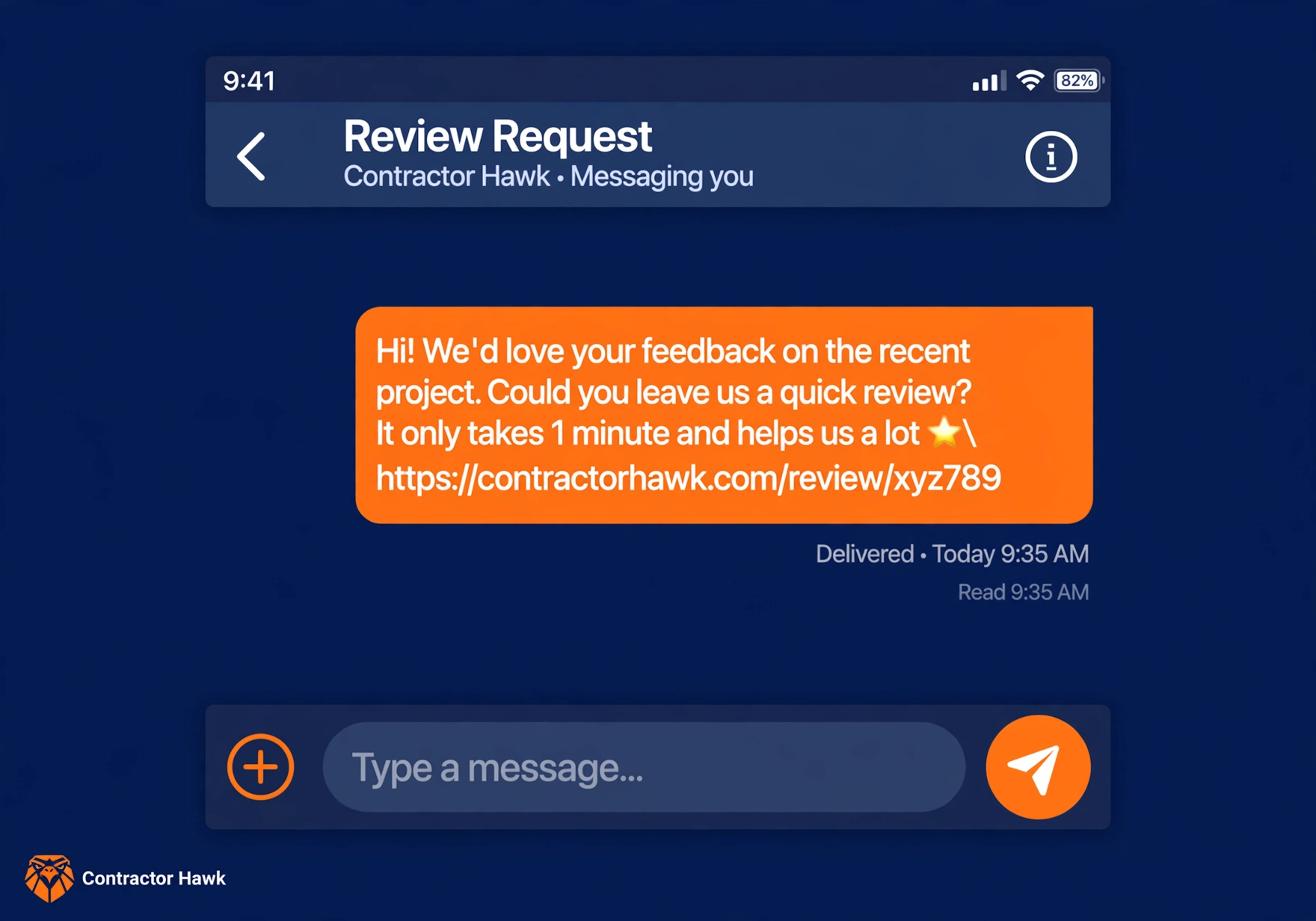
- Text the review link the same day. Do not make them search for you. One tap, one link, done in less than a minute.
- Put a QR code on the invoice. Some customers prefer paper. A code on the invoice catches the ones who ignore texts.
- Follow up once, then stop. One friendly reminder is fine. Two starts to feel like nagging, and nagging costs you the review.
- Reply to every review you get. Replies are public. Future customers read them to judge how you treat people.
- Track it every week. Count how many jobs you finished, how many asks went out, and how many reviews landed. Fix the weak step.
The best moments to ask
| The moment | What to say | Why it works |
|---|---|---|
| The AC blows cold again | “Everything is cooling well. A quick review would help us a lot.” | Relief is fresh and they feel grateful |
| They compliment your tech | “Glad to hear it. Would you share that in a review?” | They already said it out loud |
| They sign a maintenance plan | “You are covered for the year. A review helps other families find us.” | Commitment moment, high trust |
| End of a tune up visit | “All checked and running clean. Mind leaving us a review?” | Quick win, low effort job |
| You hand over the invoice | Point at the QR code. “Love the work? Scan this.” | The link is in their hand |
Your Friday 10 minute routine
- Count this week’s new reviews
- Reply to any review you missed
- Check that your review link still works
- Remind techs who forgot to ask
- Thank the team for every five star week
What to say: words your techs can copy
Keep every ask short and human. Here is the whole kit.
The in person ask
“Thanks for trusting us today. If the work looks good, a quick Google review would mean a lot. I will text you the link.”
The text message (copy this)
Hi [Name], this is [Tech] from [Company]. Thanks for trusting us with your [AC repair / tune up]. It would mean a lot if you shared a quick review: [paste your review link].
It takes less than a minute. Thank you.
Find your review link inside your Google Business Profile dashboard. Look for the share review option. Paste the same link into every text so you never type it by hand.
The one follow up
“Hi [Name], just checking the review link worked for you. Here it is again: [link].”
“No worries if not. Thanks again for choosing us.”
Send it two days after the first text. If they still do not reply, let it go.
One reminder is polite. Two is pressure.
How to handle bad reviews
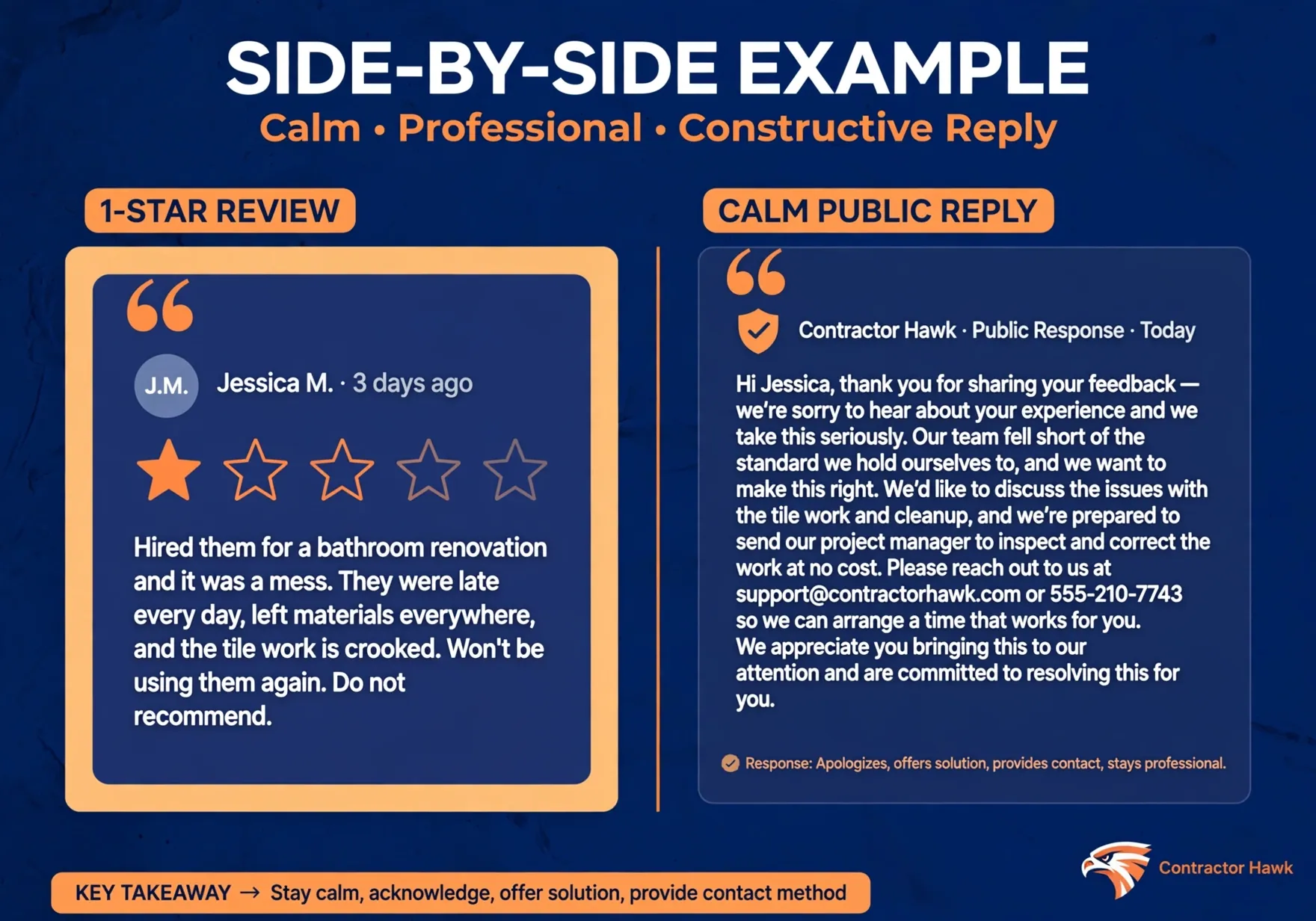
Bad reviews sting. They also give you a stage. Everyone who reads them watches how you respond.
- Read the whole review before you react. If you feel angry, wait an hour. A hot reply lives on the internet forever.
- Reply publicly and stay polite. Thank them for the feedback. Say you take it seriously. Google notes that replies are public and help build good relationships.
- Take the fix offline. Invite them to call you or email you directly. Never post private details or argue in public.
- Fix what you can and say what you changed. If the tech was late, say how you will prevent it. Readers forgive mistakes. They do not forgive silence.
- Flag reviews that break the rules. Fake reviews and spam can be reported to Google. Do not accuse the reviewer in public while you wait.
Answer good reviews too, with a personal line. “Thanks, Maria. Glad the new system is keeping you cool.” beats a copy paste thank you every time.
Google’s reply tips say the same: keep it short, personal, and honest.
What Google allows and what can hurt you
Asking for reviews is allowed. Doing it the shady way can get reviews removed or your profile restricted. Here is the line.
Safe: ask every customer the same way, share your review link, and reply to reviews. This is exactly what Google’s review policy allows.
- No payment or perks for reviews. Google prohibits offering money, discounts, or free services for reviews. Paid reviews get removed.
- No cherry picking. Asking only happy customers to review you is against the policy. Ask everyone.
- No hovering. Google says not to pressure people into reviewing while they are on site with you. Send the link and let them decide at home.
- No fakes. Reviews must come from real experiences. Staff reviews, paid reviews, and multiple accounts all get removed.
Mistakes HVAC companies make with reviews
We see these in almost every profile review we do. All of them are fixable this week.
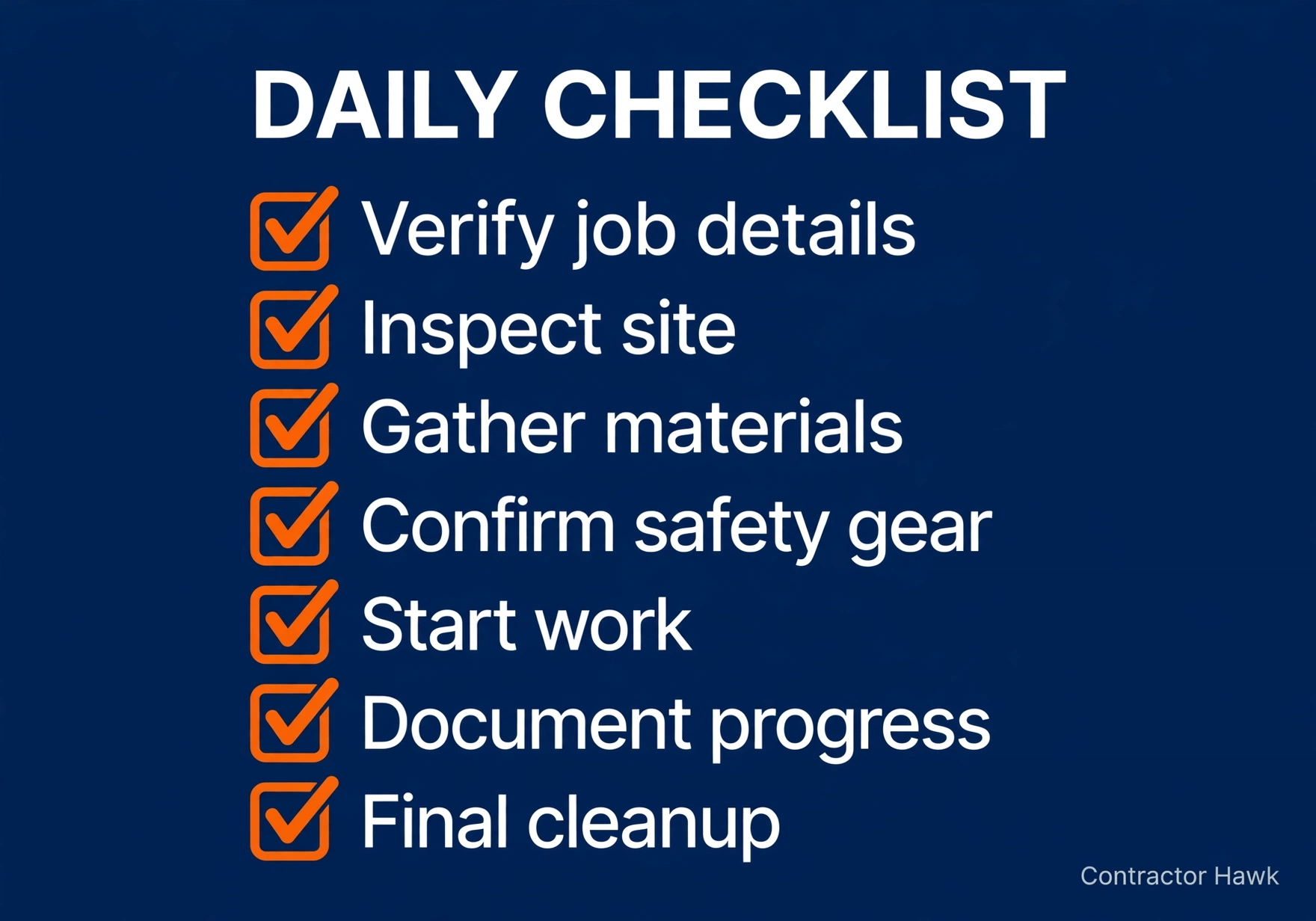
- Asking nobody. Most techs never ask. Hope is not a system. Put the ask in the job checklist.
- Cherry picking only happy customers. Besides breaking Google policy, it looks fake when every review is five stars and says nothing specific.
- No link anywhere. If the customer has to search for your profile, most will not bother. One tap beats ten steps.
- Replying to nobody. Unanswered reviews tell future customers you do not listen. Reply to the good and the bad.
- Offering a discount for a review. This breaks Google policy and risks removal. Ask because the work was good, not because there is a coupon.
- Ignoring bad reviews. An unanswered one star review sits at the top of your profile and answers for you. Always reply.
A marketing partner that focuses only on HVAC companies covers all of this in a free audit. Profile, reviews, replies, and the gaps costing you calls.
Frequently asked questions
Should I ask for reviews on Google only?
Start with Google, because that is where most people look before they call. Once Google reviews flow steadily, add one more platform your customers use, like Facebook or Yelp. Do not spread thin across five sites. Depth on Google beats width everywhere.
Is it okay to offer a discount for a review?
No. Google prohibits offering money, discounts, or free services in exchange for reviews, and paid reviews get removed. You also lose trust when people learn the stars were bought. Earn reviews with good work and a simple ask. That is the only safe way.
What if a review is fake or unfair?
Reply calmly anyway, because readers judge your reply more than the complaint. Then report the review to Google if it breaks the content policy, such as spam or a conflict of interest. Never accuse the reviewer in public. Let Google decide while you stay professional.
How fast should I reply to reviews?
Aim for within two days. Fast replies show future customers that you pay attention. Thank happy reviewers by name and mention something specific from their visit. For bad reviews, reply quickly, stay polite, and move the conversation to a phone call.
They said they would review but never did. Now what?
Send one friendly reminder two days later with the link again. After that, let it go. People get busy, and a second nudge feels like pressure. Keep delivering great work and keep asking new customers. The reviews will come.
That is how to get hvac reviews on a steady schedule. Ask everyone, make it easy, follow up once, and reply to all.
Start this week with one tech and one text template. Then roll it out to the whole team.
Want a second pair of eyes on your profile and reviews? Request a free audit and we will show you what is costing you calls.
Our promise: 10 new customers in 60 days, or your third month is free. See the terms.