The short answer
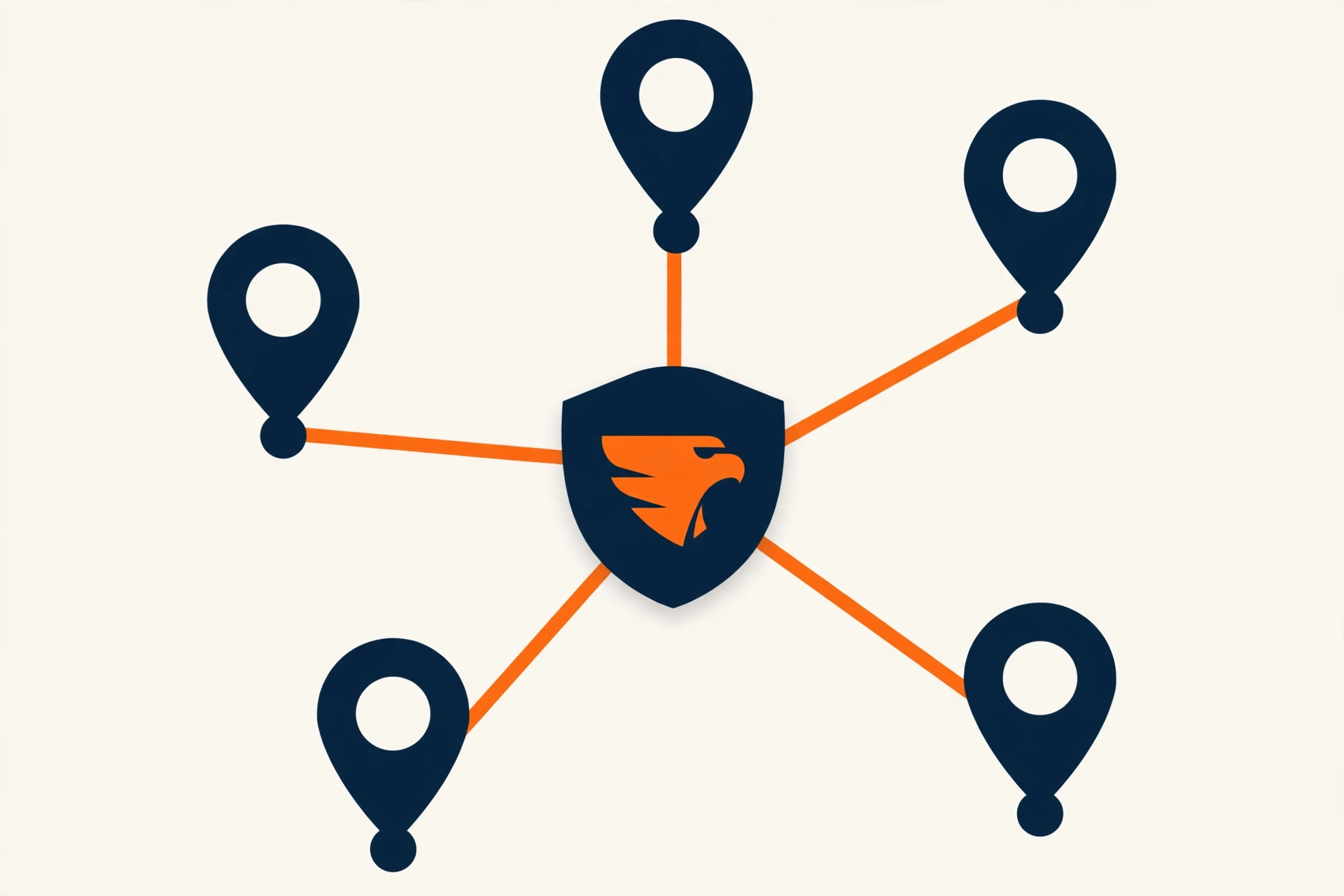
If you work at customers’ homes and do not have a staffed storefront, your Google Business Profile should hide your address and show a service area instead. You use one profile for your base, you list only the areas where you really work, and you keep every detail true. That is the setup Google asks service-area businesses to follow.
Who should hide the address
Google’s guidelines say a service-area business should hide its business address from customers. Google’s own example is a plumber who runs the business from a home address and removes that address from the profile.
A hybrid business is different. A company with a real shop that customers visit can show the address and also add a service area, but only if the location is staffed during its listed hours. Google also does not allow a virtual office unless it is staffed during business hours.
A service-area business is a business that goes to the customer instead of the customer coming to you. Most contractors fall in this group.
How to set your service area
A service area is the list of cities, towns or ZIP codes where you take jobs. Google says the overall area should not reach beyond about two hours of driving time from your base.
- List the towns where you actually want work, not every town on the map.
- Keep the list in line with the service area pages on your website.
- Update it when you expand or stop covering a town.
A tighter, honest list is easier to defend and brings calls you can take. If you also want pages for each town, read our guide to service area pages for contractors.
Choose the right categories
Your primary category tells Google what your business is. Pick the one that matches your main trade. Add secondary categories only for work you really do, because wrong categories bring calls you will turn away.
For example, a tree company can keep Tree service as the primary category and add a stump category for stump work. We explain that setup in our guide to stump grinding marketing.
Fill in the parts customers read
- Services. List each service with a short, plain description.
- Business description. Say what you do, where you work and who you help. Do not stuff keywords.
- Hours. Use your real hours. Only say you are open 24 hours if you really answer at night.
- Photos. Add real photos of your crew, trucks and finished jobs. Real photos build more trust than stock images.
- Phone and website. Use one main phone number and one website link, and match them to your website.
- Posts and updates. Share recent work and seasonal offers so the profile does not look abandoned.
Verify the profile and avoid suspensions
Google verifies a profile before it can show fully. Follow the instructions Google gives you for your business and use true details. These habits often lead to trouble:
- Using a virtual office or a fake address.
- Adding keywords or a city to your business name.
- Creating duplicate profiles for the same business.
- Listing service areas you do not serve.
If a profile is suspended, fix the cause first and then follow Google’s reinstatement steps. Our Google Business Profile management service handles setup and cleanup for contractors.
A 10-step setup checklist
- Use your real business name, the same one on your trucks and website.
- Enter your base address for verification and hide it from public view.
- Set your service areas to the towns you really serve.
- Choose one primary category and a few true secondary categories.
- Add every service with a short description.
- Write a plain business description.
- Set accurate hours.
- Upload real photos.
- Match your phone number and website to your site.
- Ask every happy customer for a review right after the job.
Frequently asked questions
Should contractors hide the address?
Yes, if you have no staffed storefront where customers visit. Google tells service-area businesses to hide the business address and show a service area instead.
How big can my service area be?
Google says the overall service area should not reach beyond about two hours of driving time from your base. A smaller, honest area is usually easier to manage.
Can I make a profile for every city?
No. A business without a storefront gets one service-area profile. Google allows one profile per location only when each location has its own staff and separate service areas.
Can I use my home address?
Yes. Many contractors work from home. Use the address for verification and hide it from public view.
Where Contractor Hawk fits
Contractor Hawk works only with contractors. If you want a second pair of eyes on your profile, request a free audit and we will show you the biggest gaps in your Google profile, website and reviews. You can also read about our local SEO for contractors.
Source
Google Business Profile Help: Guidelines for service-area businesses.