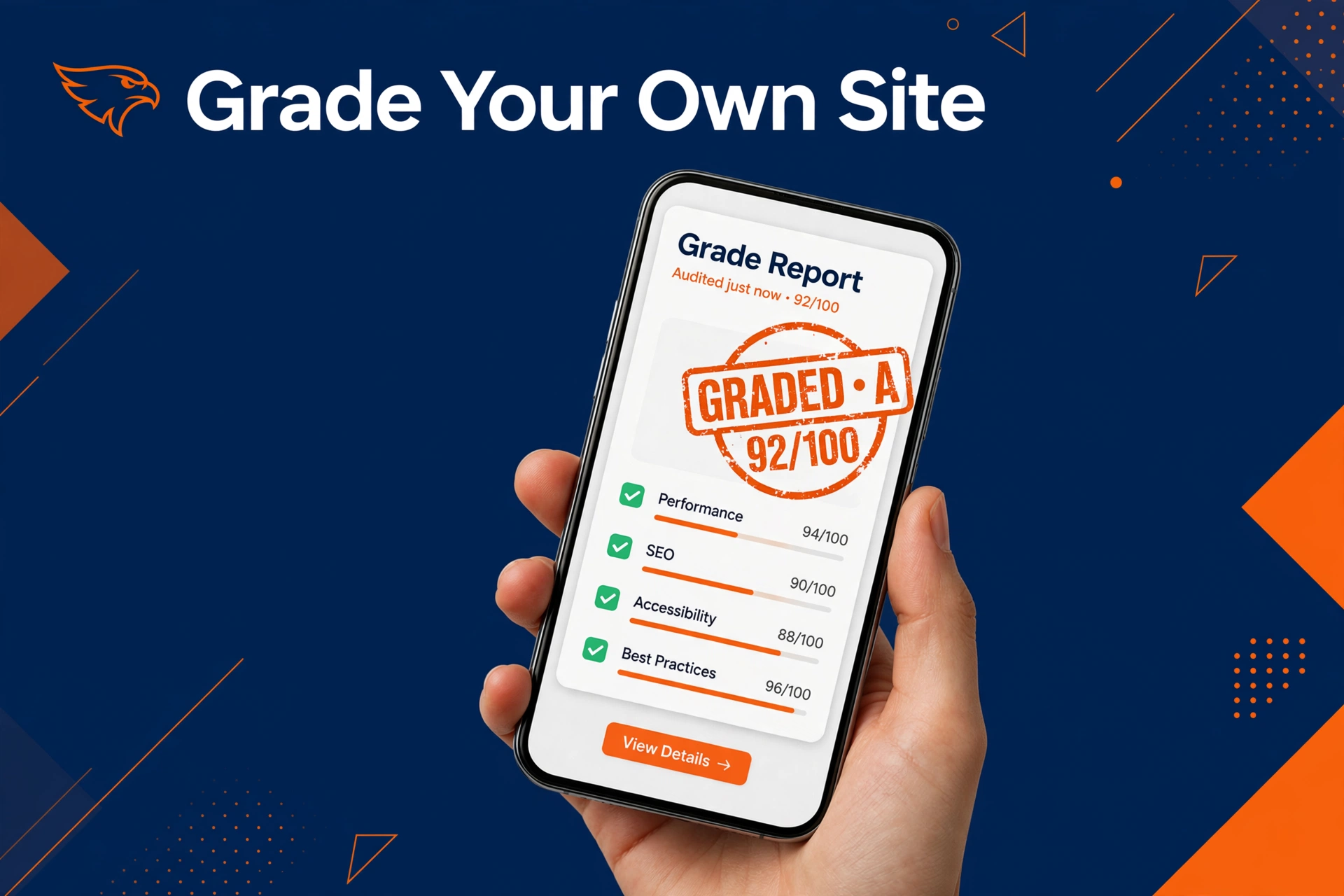
Your HVAC website either brings jobs or loses them. This self audit takes 10 minutes and tells you which one it is.
Run it before you talk to any agency. Once you grade your own site, you know what is broken and whether fixing it is worth your money.
Quick answer: what do I do, and is it worth my money?
- What to do: Open your site on your phone and grade it on speed, trust signals, and how fast a visitor can call or book. Write a score for each check, then add them up.
- Is it worth it: Yes, because a 10 minute self audit can save you from buying a rebuild you do not need. Many sites only need three or four fixes, not a new design.
Table of contents
- What you need for the self audit
- Step 1: the 60 second phone test
- Step 2: the trust checklist
- Step 3: the 30 second booking test
- Step 4: score your HVAC website
- What your score means
- What to do with your score
- Mistakes HVAC owners make with their website
- Frequently asked questions
What you need for the self audit

You need your phone, a timer, and a piece of paper. Use your phone because most of your customers will visit on one.
Ask a friend or a family member to run the tests too. You know your site too well to see it with fresh eyes.
Step 1: the 60 second phone test
Open your homepage on your phone using data, not wifi. Time how long the page takes to show text you can read.
If it takes longer than about three seconds, visitors start to leave. A slow site on a phone is the most common fail we see.
Now scroll with your thumb. Can you tap the phone number with one thumb without zooming? If the number is tiny or hidden, you are losing calls.
Step 2: the trust checklist
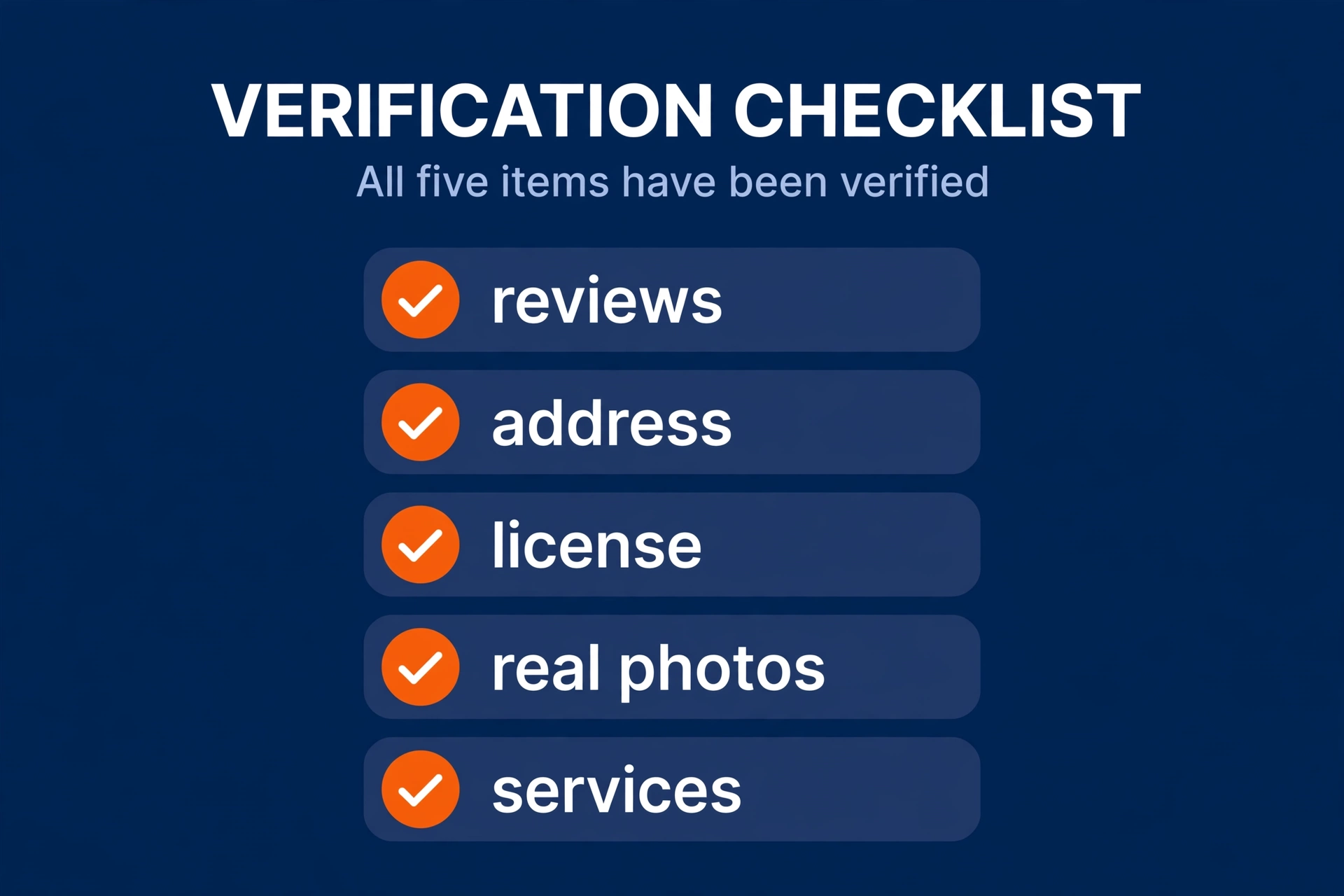
Trust is what turns a visitor into a caller. Look for these five things on your site.
- Reviews on the homepage. Real reviews with names and dates. No reviews means no trust.
- A real address and service area. Visitors want to know you are local and that you cover their town.
- License and insurance info. Homeowners will not book a company they cannot verify.
- Photos of real trucks and real people. Stock photos of strangers hurt more than they help.
- Clear service list. Repair, install, and maintenance should each be easy to find.
Miss two or more of these and your site feels risky. A risky site sends the visitor back to Google.
Step 3: the 30 second booking test
Hand the phone to your friend. Ask them to book a repair visit as fast as they can.
Watch the clock. If they cannot find a call button or a booking form in 30 seconds, your site fails the booking test.
The call button should stay visible while they scroll. The form should ask for name, phone, and problem, and nothing more.
Step 4: score your HVAC website
Give each check below a score. Two points if it is strong, one if it is weak, zero if it is missing.
- Loads fast on a phone. Text shows in about three seconds on mobile data.
- Tap to call button. A big call button that stays on screen while scrolling.
- Reviews on the homepage. Real reviews with names and dates.
- Real address and service area. Shows you are local and lists the towns you serve.
- License and insurance info. Easy to find, not buried in fine print.
- Real photos. Your trucks, your team, your work. No stock strangers.
- Clear services. Repair, install, and maintenance are easy to find.
- Booking in 30 seconds. A friend can call or book without asking for help.
Add up your points. The highest score is 16.
What your score means
| Score | What it means | What to do |
|---|---|---|
| 14 to 16 | Your site is strong | Fix any weak spots and leave the rest alone |
| 9 to 13 | Your site needs work | Fix the zeroes first, then the ones |
| 0 to 8 | Your site is losing jobs | Price a proper fix or a rebuild |
What to do with your score
If you scored 14 or higher, your site is fine. Fix the one weak check and move on.
If you scored 9 to 13, start with the zeroes. A missing call button or missing reviews costs you jobs every week. Most of these fixes are small and fast.
If you scored 8 or less, stop patching. At this point you should learn what an HVAC website costs and read the HVAC web design guide before you spend a dollar. A rebuild done right beats a patch job done twice.
Mistakes HVAC owners make with their website
These are the fails we see most often when owners grade their own site.
- Grading on a desktop only. Your customers are on phones. A site that looks great on a laptop can be a mess on a phone. Always grade on the phone.
- Trusting the designer, not the test. Pretty does not pay. If the 30 second booking test fails, the design failed, no matter how good it looks.
- Copying a competitor instead of testing. Their site may be broken too. Test your own numbers, not their look.
- Skipping the fresh eyes test. You know where everything is. A stranger does not. Hand the phone to someone who has never seen the site.
- Hiring an agency before the self audit. If you do not know your score, you cannot judge their pitch. A marketing partner that works only with HVAC companies will welcome your scorecard, because it shows where the money should go.
Add our HVAC SEO guide to the plan too. A fast site with weak rankings still gets no visitors.
Frequently asked questions
How long does an HVAC website self audit take?
About 10 minutes for the basic version. The phone test takes one minute, the trust checklist takes three, and the booking test takes two. Scoring and reading the results takes the rest.
Do the full audit once, then repeat the phone and booking tests each quarter to catch new problems early.
Can I grade my own site without any tools?
Yes. This whole self audit needs only your phone and a timer, and both are already in your pocket. You do not need paid software to find a slow page, a hidden call button, or missing reviews.
If you want deeper data later, tools can add numbers, but start with the free version.
What score should my HVAC website get?
Aim for 14 to 16 out of 16. That means every check is strong and your site earns its keep. A score of 9 to 13 means the site works but leaks jobs, so fix the zeroes first.
Below 9, the site is losing jobs each week, so price a proper fix before spending more on ads.
Should I fix my website myself or hire an agency?
Fix small problems yourself or with your current web person, like adding a call button or posting reviews. Hire help when your score is below 9 or when the fixes touch design, speed, and structure all at once.
Before you sign anything, read our guide on what an HVAC website costs so you can judge any quote against real numbers.
How often should I audit my HVAC website?
Run the full 10 minute self audit once, then repeat the phone and booking tests each quarter. Your site changes when you add pages, change photos, or update plugins, and each change can break speed or the call button.
A quick check four times a year catches problems before they cost you a season of jobs.
Ten minutes now beats ten lost jobs later. Grade your own site, fix the zeroes, and only then decide if an agency earns your money.
Want a second pair of eyes on your score? Request a free audit and we will grade your site with you and show you what to fix first.
Our promise: 10 new customers in 60 days, or your third month is free. See the terms.